Get a notification on your phone for every new order
In short
- Add your Be-Bookable dashboard to the home screen of your phone or tablet and open it like an app.
- Choose your notifications: a new order, a payment that comes in, or both.
- Tap a notification to open the order straight away.

Why the app matters
Bookings come in while you are out on a delivery or at an event. With a notification on your phone, you see them right away, without checking your email.
No app store needed
You add it from your browser in a few taps, and it updates by itself.
Only what you choose
Pick the notifications you want, and switch them on for each phone or tablet you use.
Straight to the order
Every notification opens the right order, with the customer and the rental period.
How Be-Bookable solves it
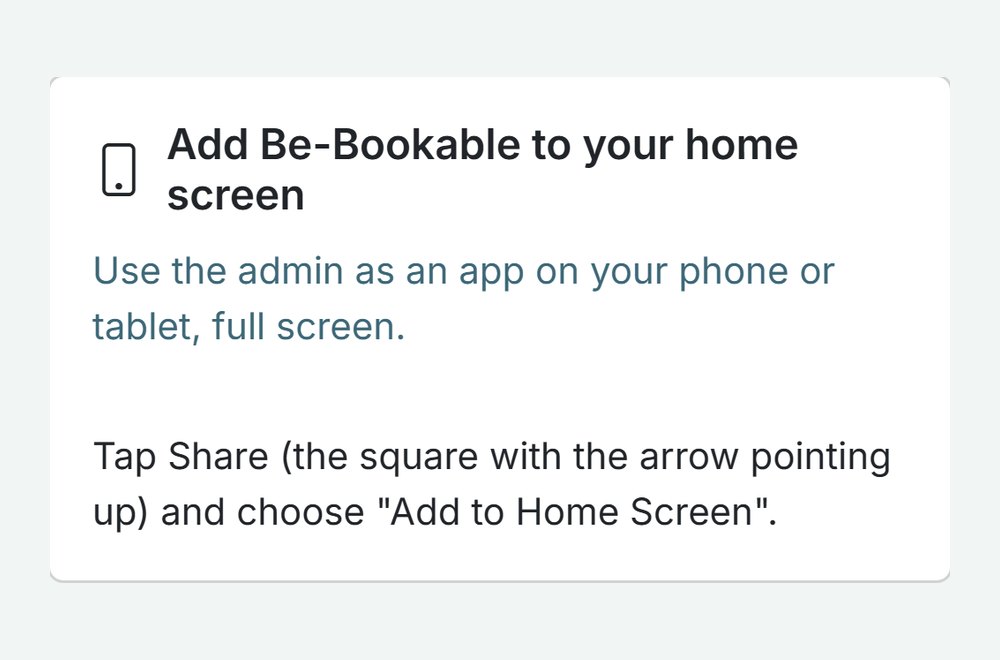
- Add it to your home screen. On your phone or tablet, open your dashboard and go to Integrations. On Android, tap Install. On an iPhone or iPad, tap Share and choose Add to Home Screen.
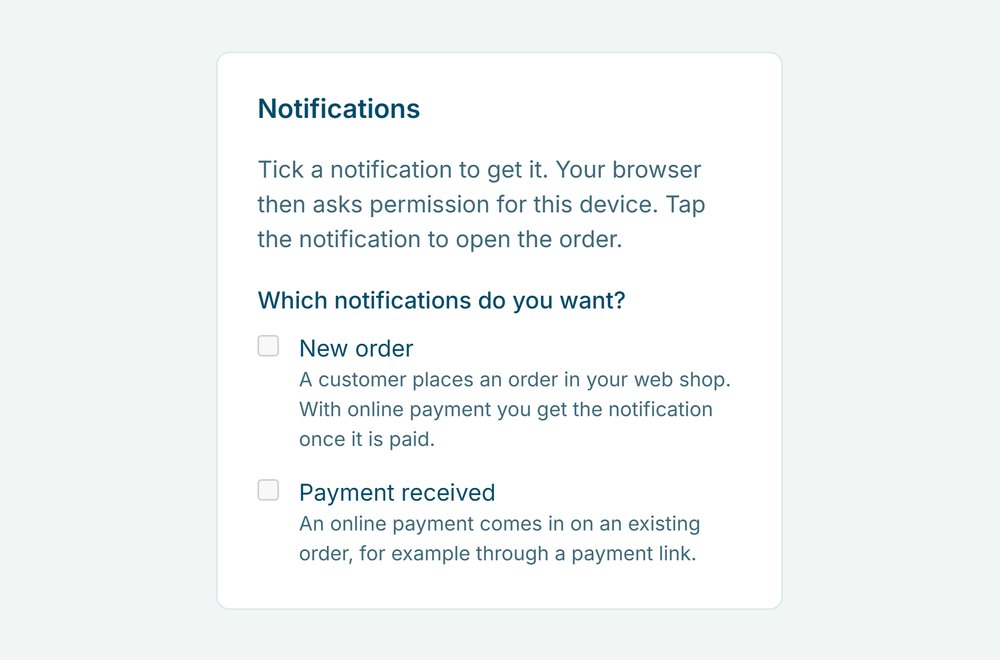
- Turn on notifications. Open My account and tick New order, Payment received or both under Notifications. Your phone asks once for permission.
- Get notified. A notification arrives when a customer books in your web shop. With online payment, it comes once the payment is in. A payment on an existing order, for example through a payment link, gets its own notification.
- Tap to open. The notification opens the order in the app, where you work just like in order management.
Notifications in the real world
A few moments where rental businesses use them:
| Rental type | Moment | What you see |
|---|---|---|
| Party rental | A booking comes in on Saturday night | New order with the customer, dates and amount |
| Bike rental | A customer pays a payment link before pickup | Payment received on that order |
| Event equipment | You are on site at an event | Every new booking, without checking your email |
| Camper rental | A customer books and pays for next month | New order (paid), ready to confirm |
See it in action
The install tile under Integrations, and the notification settings under My account.
Frequently Asked Questions
Is it in the App Store or Google Play?
No. You add Be-Bookable to your home screen straight from your browser. It opens full screen, like an app, and updates by itself.
Do notifications work on an iPhone?
Yes, once Be-Bookable is on your home screen. On an iPhone or iPad, notifications only work from the home-screen app, not from a browser tab.
Which notifications are there?
Two: New order, when a customer books in your web shop, and Payment received, when an online payment comes in on an existing order. Orders you create yourself in the dashboard do not send a notification.
Do my team members get notifications too?
Yes, if their role can open orders. Each team member turns on their own notifications on their own phone.