
A rental shop in your own colours, online from day one
In short
- Add your logo, your two brand colours and a welcome text.
- Your shop is online at shop.be-bookable.com/your-company-name right after you sign up.
- No hosting or code: every change shows as soon as you save.
Why shop personalisation matters
Customers book with more trust when the shop looks like your business. Your logo and colours show that at first sight.
Recognisable
Your logo sits in the header and in the browser tab, in your own colours.
A warm welcome
A short text on the home page tells customers who you are and how booking works.
In your customers’ language
Your shop can offer German, English, French and Dutch, with a language button for your visitors. More on language settings.
How Be-Bookable solves it
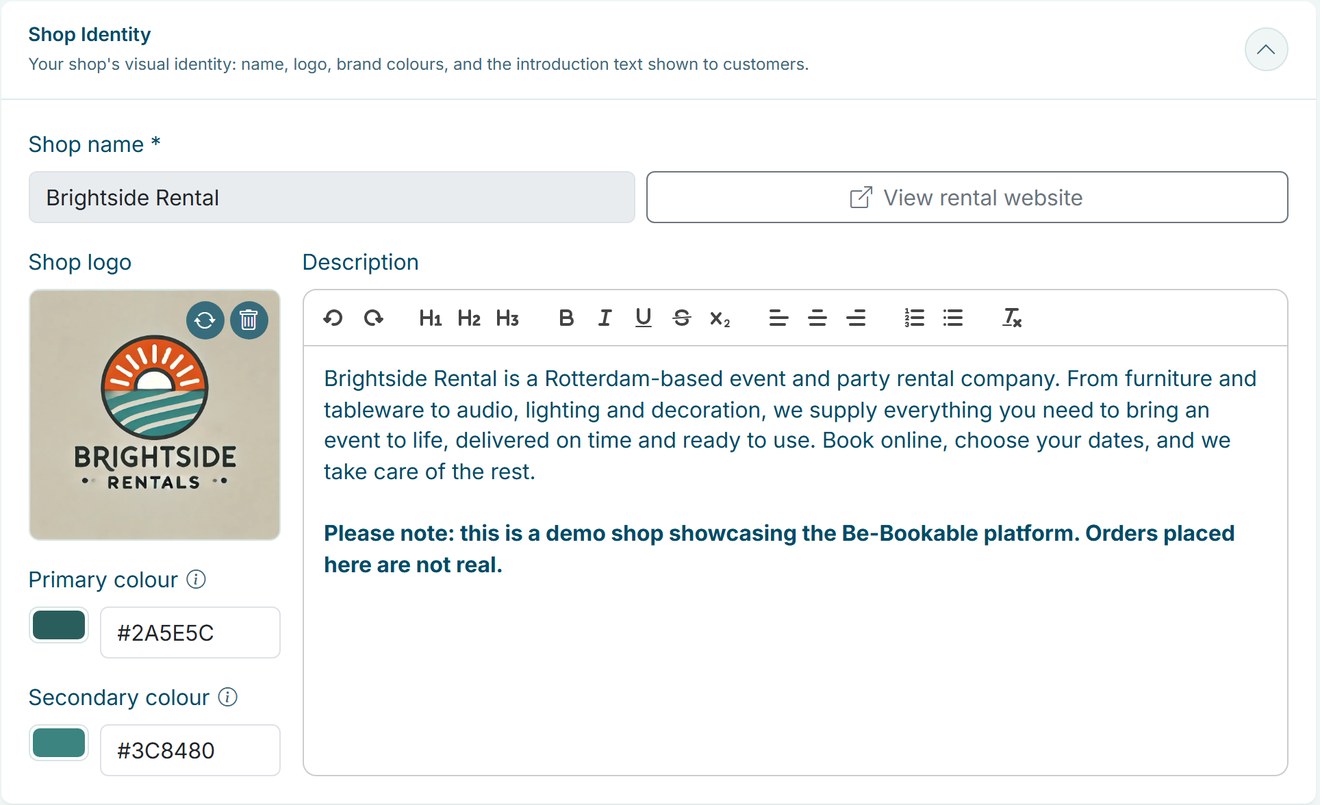
- Open Shop Settings. Under Shop Identity you find your shop name, logo, colours and description.
- Add your logo. Upload your logo. It appears in the header of your shop and as the icon in the browser tab.
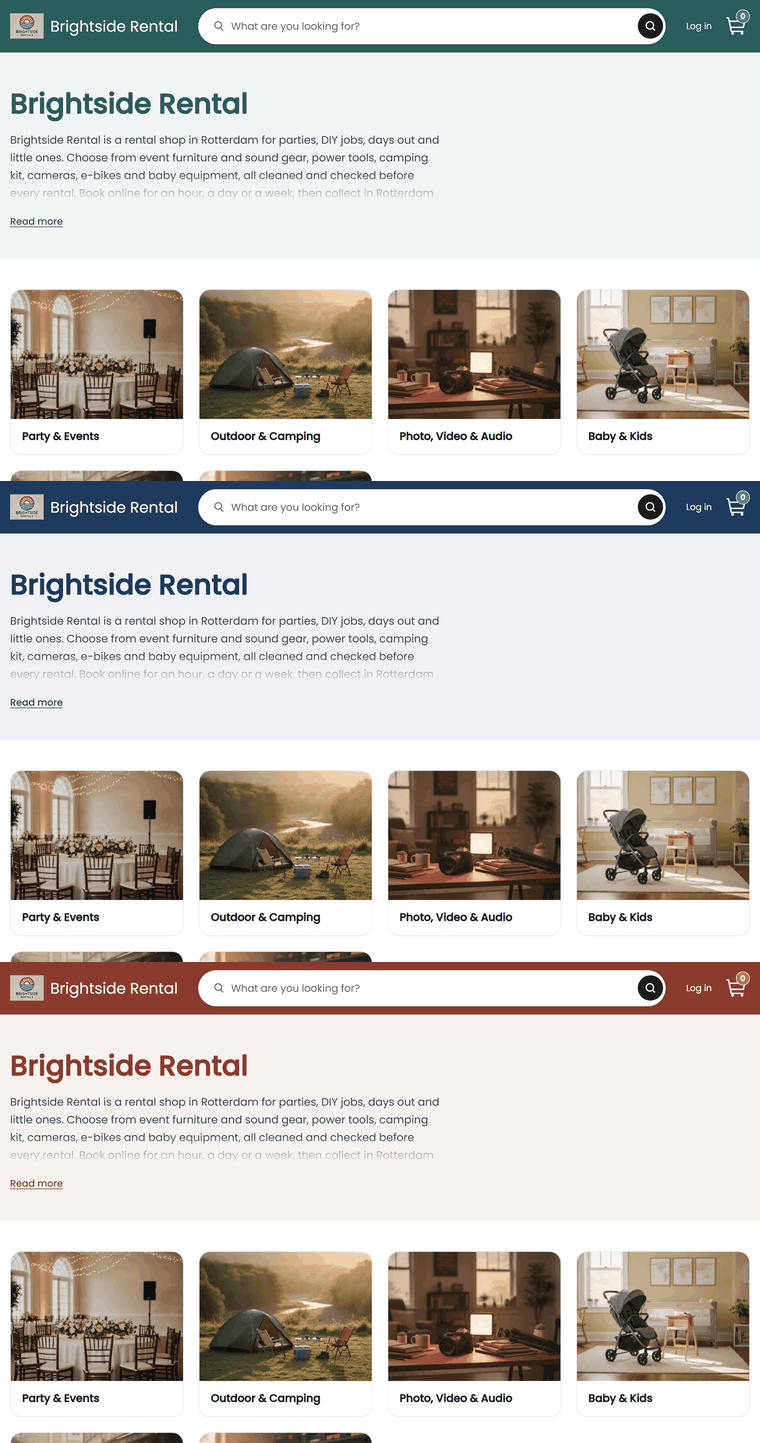
- Choose your colours. Pick a primary and a secondary colour with the colour picker or enter a hex code. The primary colour fills the header and the buttons, the secondary colour is used for highlights.
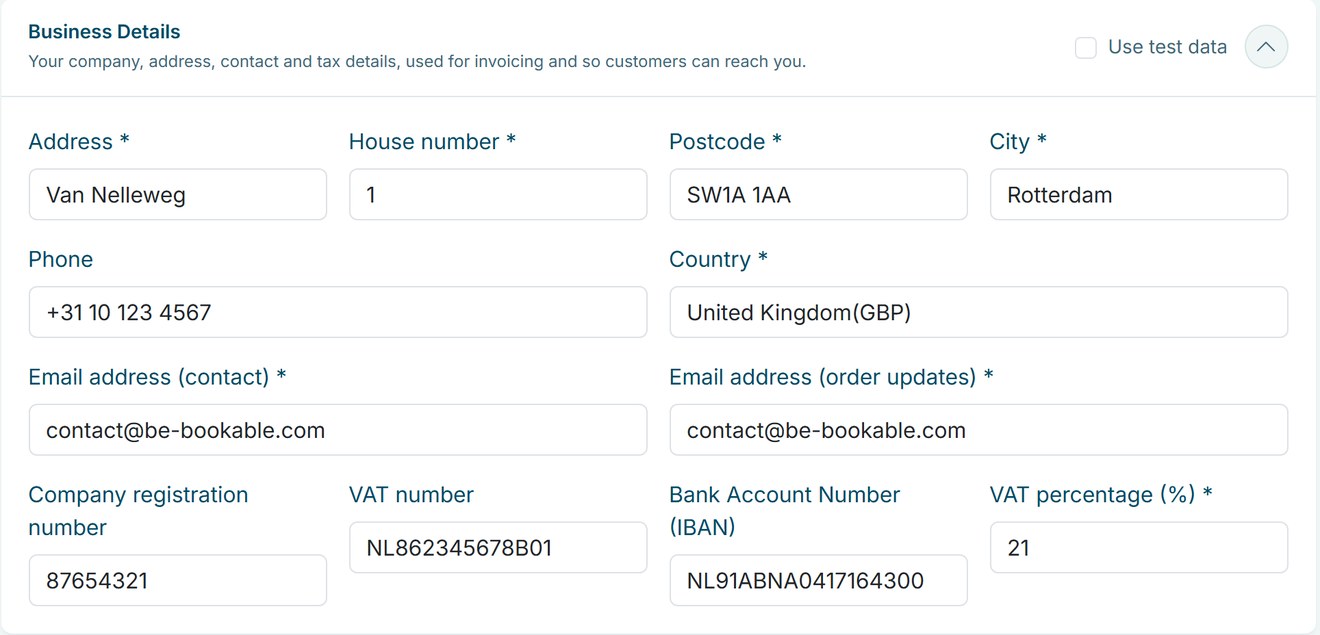
- Write your welcome. The description appears at the top of the home page of your shop, above your categories. Under Business Details you add your address, contact email and VAT percentage.
Shop personalisation in the real world
A few examples of how rental businesses make the shop their own:
| Rental type | Look | Welcome text about |
|---|---|---|
| Party rental | Bright colours and a festive logo | What you can rent for a party and how delivery works |
| Tool rental | Dark, sturdy colours | Opening hours and pickup at the depot |
| Bike rental | Fresh green | Where to pick up the bikes and what is included |
| Camping gear | Earthy tones | How to pack and return the gear |
| Event equipment | Your company colours | Delivery, setup and who to contact |
See it in action
Your logo, colours and description in Shop Settings, with your business details right below.
Frequently Asked Questions
Can I use my own domain name?
Not as the address of your shop. Your shop runs at shop.be-bookable.com/your-company-name. You can also place it on your own website with the website widget.
Can I change my shop name or web address?
Your shop name is the company name you signed up with, and the web address is based on it. Get in touch with us if your company name changes.
Is my shop visible right away?
Yes. Your shop is online as soon as you sign up, with an example category and an example product. Replace them with your own range before you share the link.
Can I change the fonts or add a banner?
No. You choose your logo, two colours and the welcome text. The layout and fonts are the same for every shop, so it works well on any screen.
Can my shop be in more than one language?
Yes. Next to your main language, your shop can offer German, English, French or Dutch. Visitors switch with the language button, and every language has its own web address, such as shop.be-bookable.com/de/your-company-name. You translate your product names, descriptions and other texts yourself, and the order emails, the invoice and the calendar invite follow the language the customer booked in. More on language settings.