

Get paid while customers book, straight into your own Mollie account
In short
- Connect your own Mollie account in a few clicks, without copying API keys.
- Customers pay with iDEAL, cards or any other method you switch on under Integrations.
- Be-Bookable takes no commission on your payments.
Why online payments matter
When customers pay while they book, the money is in before the rental starts and you no longer chase bank transfers.
Paid at checkout
Customers pay the full amount when they book, with the method they already use.
Your own Mollie account
Payments go straight to your account. Be-Bookable takes no commission.
Payment status at a glance
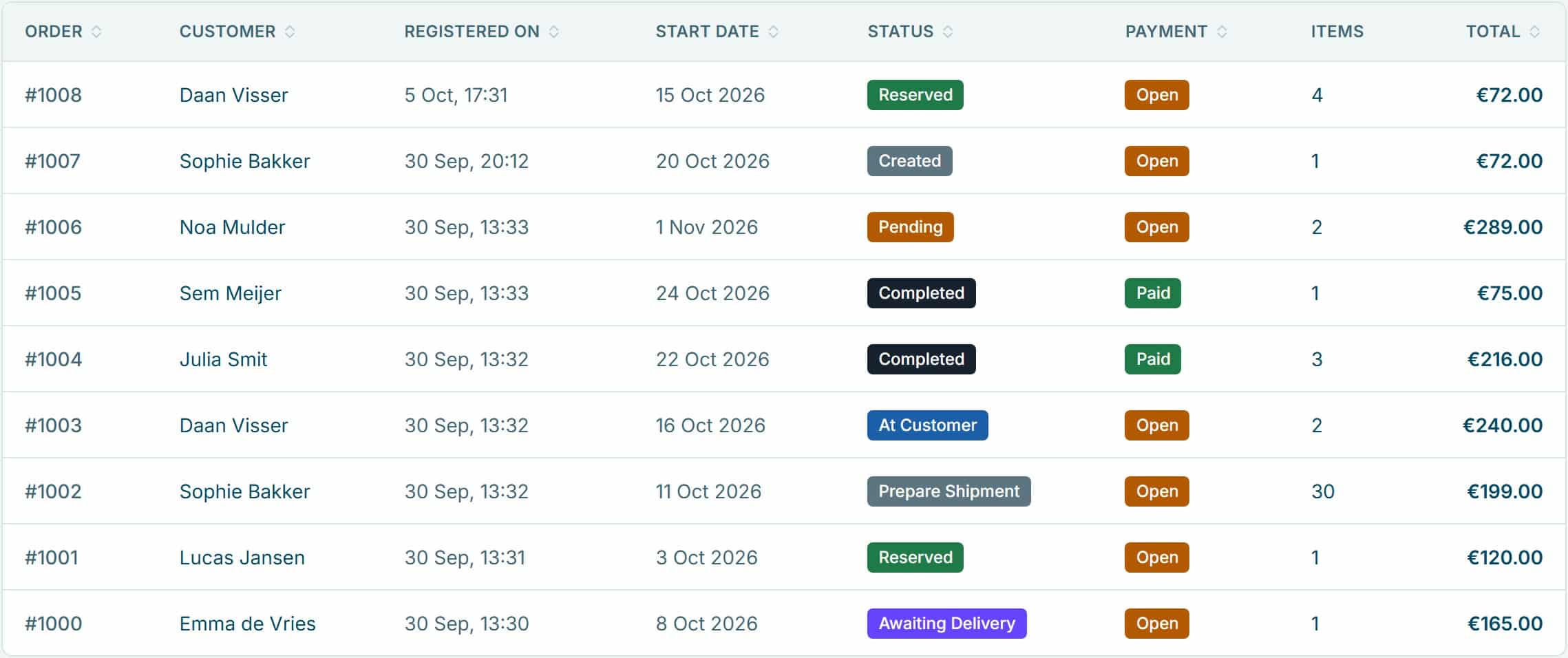
Every order shows whether a payment is open, paid, expired or refunded.
How Be-Bookable solves it
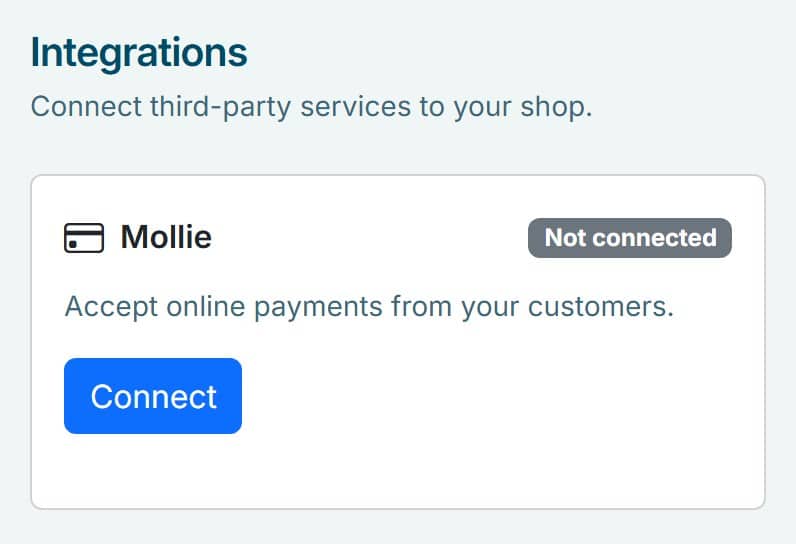
- Connect Mollie. In your dashboard, open Integrations and click Connect on the Mollie card. Log in to Mollie, or create an account, and allow access. There are no API keys to copy.
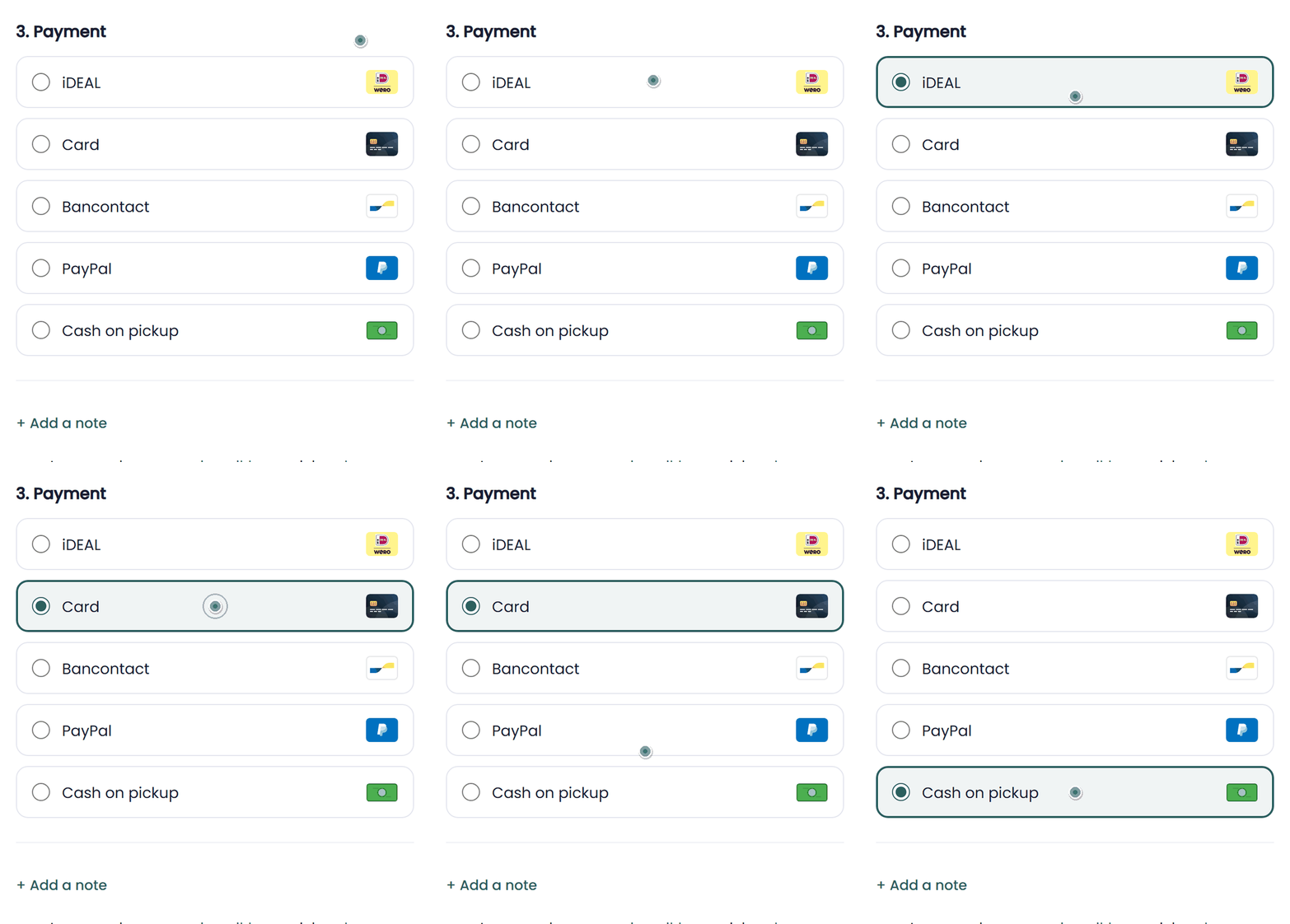
- Choose your payment methods. iDEAL is switched on for you. Under Integrations, the Mollie card shows the payment methods in your checkout: switch cards, Bancontact, PayPal or other methods on or off there, and they appear in your checkout with their logo. Does Mollie still need to activate a method? Then you finish that in your Mollie dashboard.
- Add your own payment option. In Shop Settings, under Payment Details, you can add one extra option of your own, such as cash on pickup. Customers see it next to the online methods.
- Customers pay on Mollie’s secure page. Mollie’s payment page opens in a new tab, so a shop embedded in your website stays where it is. After paying, the customer lands on your thank-you page. If a payment isn’t completed, the cart is kept and Retry payment opens it again.
- Follow every payment in your orders. Mollie reports each payment back automatically, and the Payment column in your order overview shows its status.
Payment setups in the real world
Which methods fit depends on your customers. A few examples:
| Rental type | Payment methods | What it solves |
|---|---|---|
| Party rental | iDEAL, plus cash on pickup as your own option | Most customers pay online; regulars can still pay in the shop. |
| Bike rental near the border | iDEAL and Bancontact | Dutch and Belgian customers both pay with their own bank. |
| Tourist rentals | Card and PayPal | Visitors from abroad pay with what they already use. |
| Event equipment for companies | iDEAL and card, plus bank transfer as your own option | Companies that pay by invoice can still book online. |
See it in action
Connect Mollie from Integrations, then follow every payment in the Payment column of your orders.
Frequently Asked Questions
Does Be-Bookable charge a fee on payments?
No. Payments go straight to your own Mollie account. You only pay Mollie’s own transaction fees.
Which payment methods can my customers use?
The methods you switch on under Integrations, on the Mollie card, such as iDEAL, cards, Bancontact and PayPal. iDEAL is on from the start. Next to those, customers see the one payment option you add yourself.
Can I refund a payment from Be-Bookable?
Yes. Open the order and click Refund under the payment status. You refund the full amount or part of it, and Mollie returns the money to your customer, usually within 1 to 3 working days. Your customer gets an email about it. Did the customer pay in cash or with your own payment option? Then you record the refund on the order and return the money yourself.
Can customers pay a deposit or pay in parts?
A deposit, yes. In your shop settings you choose how customers pay it: held on their credit card shortly before the rental starts, paid online with the booking, or at pickup. Paying the rent in parts is not possible: online, customers pay the full order amount at checkout.
What if I don’t use Mollie?
Then customers only see your own payment option, such as cash on pickup or bank transfer, and you handle the payment yourself.