
Product management helps you organise and control every item you rent out such as party supplies, tools, or vehicles. It covers product names, descriptions, pricing, availability, images, and booking rules. A well-structured system ensures customers find what they need and avoids manual errors.
Why this feature matters
Without a clear product system, rental businesses often face booking mistakes, inconsistent item listings, and extra admin work.
- Overbookings and double bookings due to lack of visibility and loose controls
- Poor customer experience when listings are unclear or inconsistent
- Wasted time managing separate spreadsheets or tools for inventory, pricing, and visibility
How Be-Bookable solves it
Within Be-Bookable’s admin interface you can manage all your rental items in one place. The system is designed for ease of use, even if you’re new to rental software. You can add new products, edit details, handle availability, and set booking rules, all with minimal clicks.
How it works:
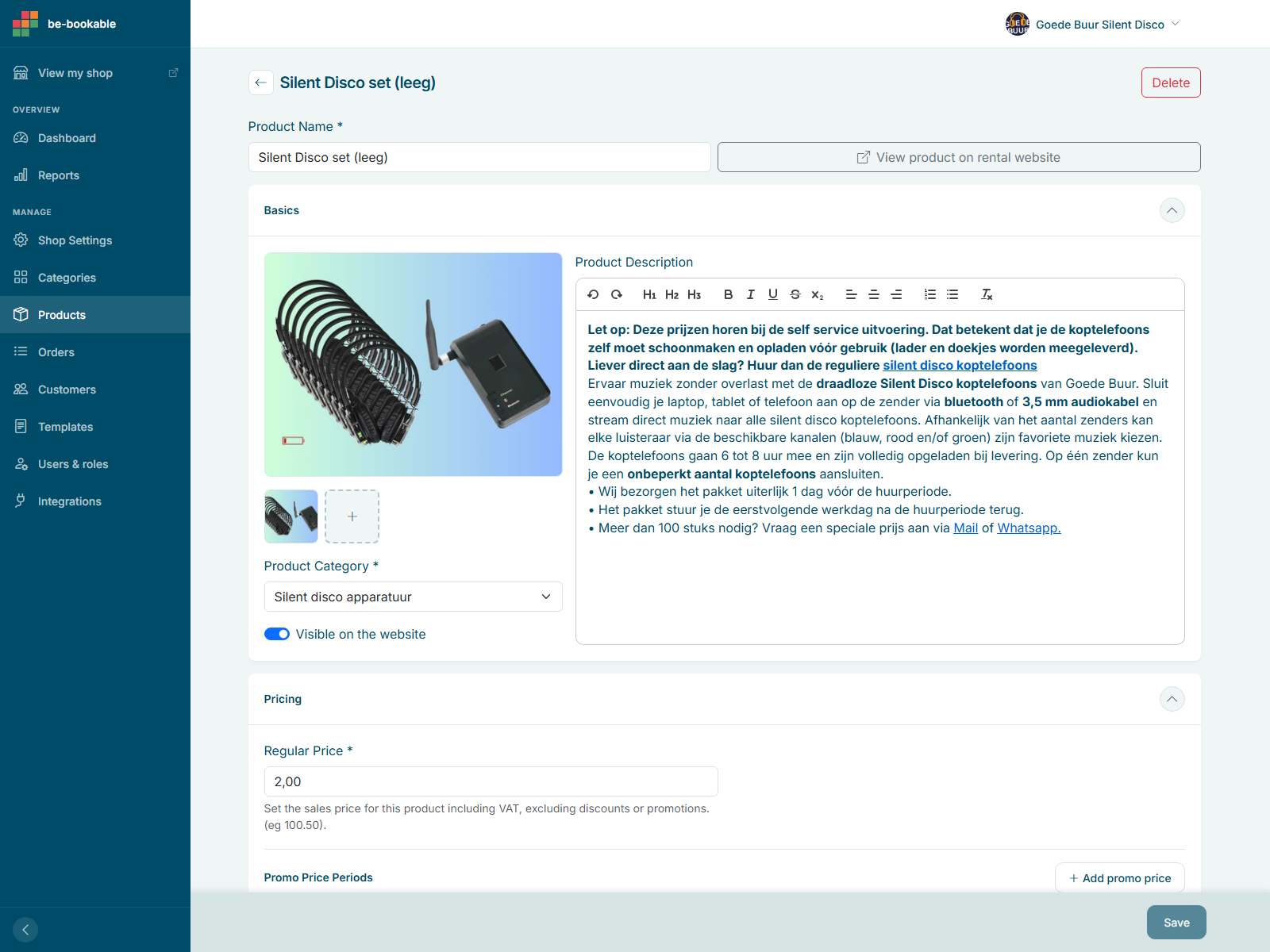
- Go to the admin sidebar and select “Products” to open the product management screen
- Click the plus (+) button to add a new product, or “Add bundle” to combine existing products into one bookable item
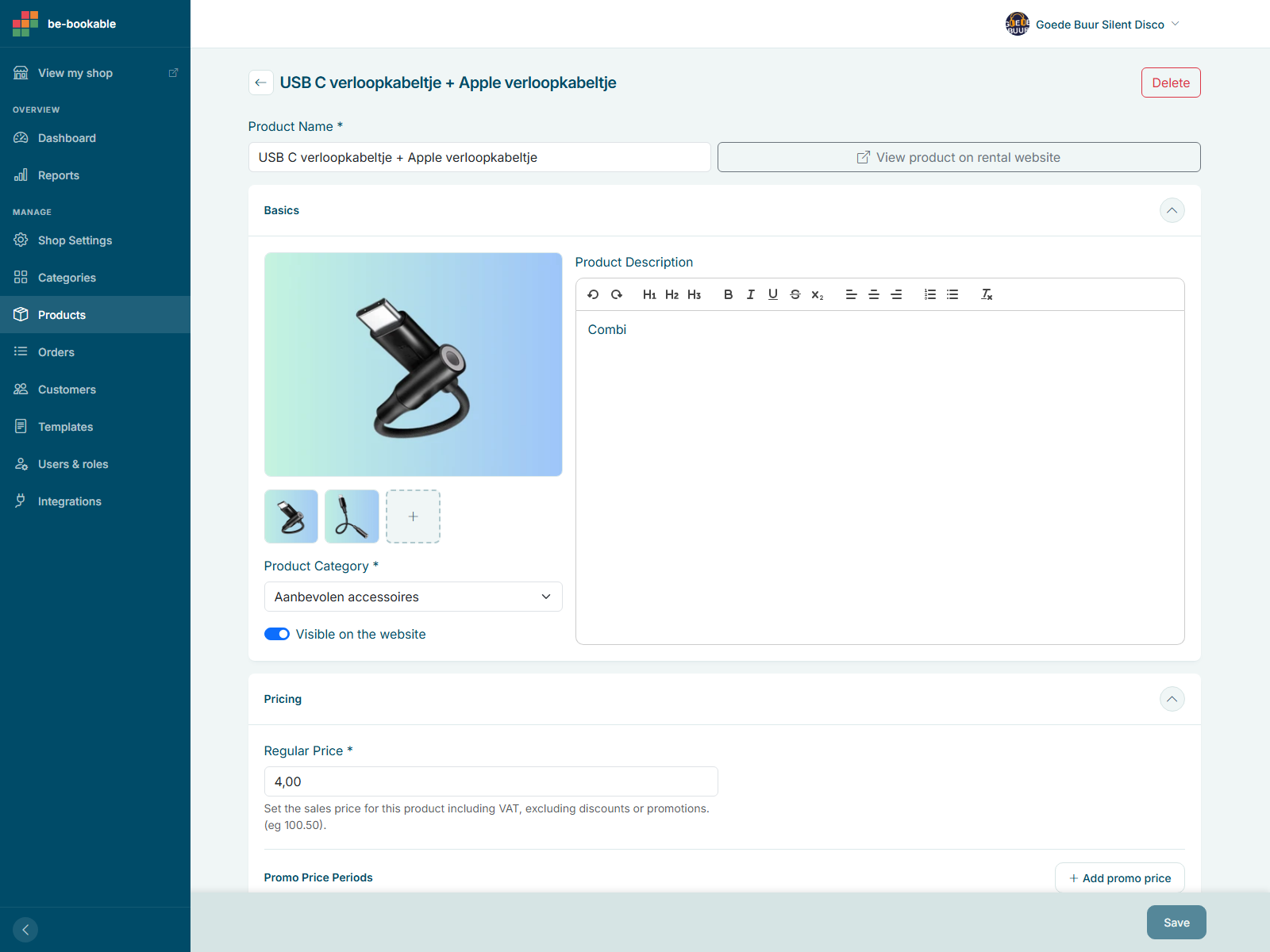
- Fill in the product name, description, pricing (from minutes to weeks), and rental category
- Add a promo price period for temporary sale pricing, or duration options if you’d rather customers pick a fixed length (like “1 day” or “1 week”) instead of a free date range
- Upload product images and add technical specifications, like size or material, as product properties shown on the product page
- Set visibility options, availability periods, stock levels, and minimum/maximum booking quantities
- Save your changes. If the product is set to visible, it appears on your storefront instantly
Real-world use cases
- Party rental shops: List inflatables, decor, and seating with weekend surcharges, seasonal visibility, and booking limits per order
- Tool and equipment rental: Manage drills, generators, and ladders with hourly or daily rates, usage instructions, and off-season hiding
- Vehicle hire services: Add cars or vans by type, set rental durations and rates, control fleet availability, and prevent double bookings
Explore product management in the Be-Bookable demo to see how simple it is to organise your inventory and streamline bookings. Ready to get started? Try it today
Frequently Asked Questions
Can I manage multiple products at once?
Yes. You can edit or remove multiple products in bulk to save time.
Can I assign products to more than one category?
No. Products can’t belong to multiple categories to avoid clutter and invalid combinations.
What if I hide a product?
Hidden products are no longer visible on the storefront, but they remain available in your admin area for future use or editing.
Can I offer a discount for a limited time?
Yes. Set a promo price period with a start and end date on any product. The sale price applies automatically during that window and reverts afterward.
Can customers choose a size or colour when booking?
No. There’s no size or colour picker on a single product page. If you rent the same item in different sizes, create a separate product for each size, each with its own stock.
Can I combine multiple products into one rentable set?
Yes. Use “Add bundle” to combine existing products into a single bookable item with its own price. The bundle’s available stock follows whichever component has the least stock left.