
Show the details customers check before they book
In short
- Every product page gets a Specifications block with details such as size, weight or range, each with an icon.
- You create a specification once, with a name, an icon and a unit, and give each product its own value.
- Specifications come along in the product import and export, and can power a product filter in your shop.
Why product specifications matter
Renters compare before they book. Specifications answer their questions on the product page itself.
Fewer questions
Frame height, range or power is right on the product page, so customers do not have to mail or call to ask.
Easy to compare
Every product uses the same names, icons and units, so customers compare like with like.
Set up once
Create a specification once and pick it on any product, or fill in your whole range with a spreadsheet.
How Be-Bookable solves it
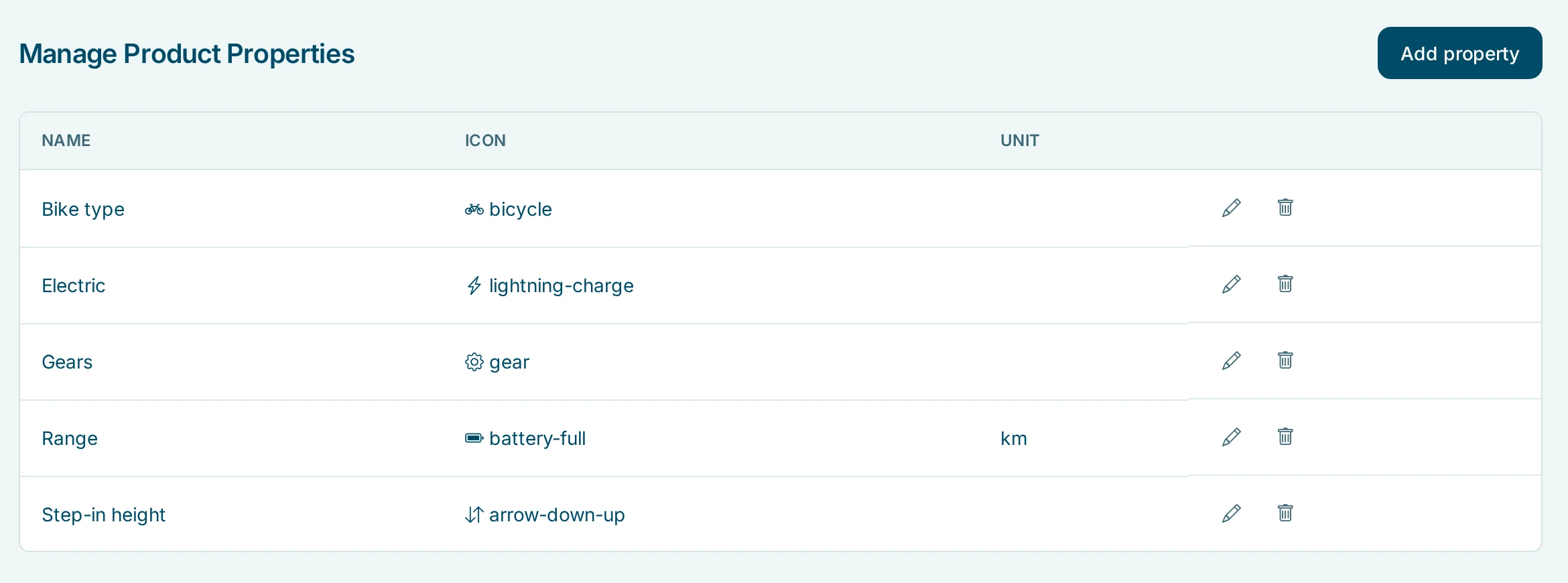
- Create your specifications. Open a product, go to Product properties and click Manage properties. Add a specification with a name, an icon from the icon list and, if you like, a unit such as km or W.
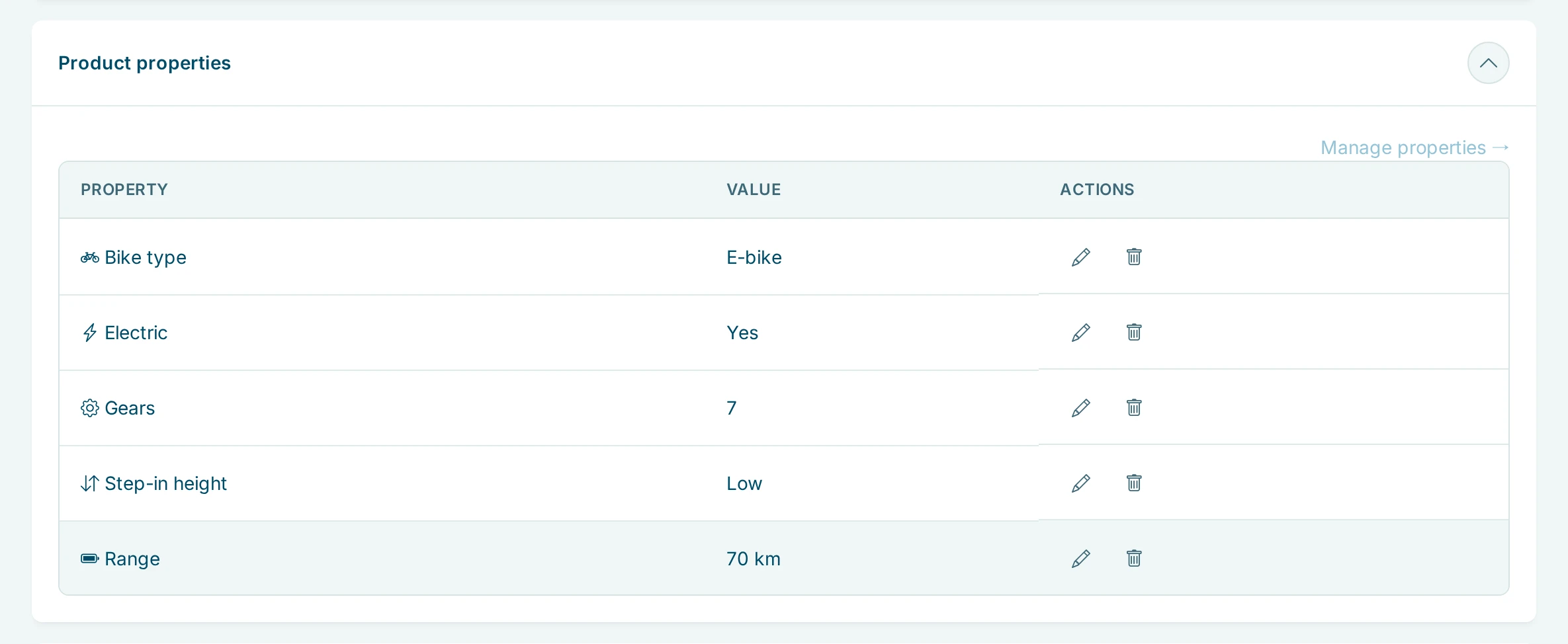
- Give a product its values. In the Product properties panel, click Add property, pick a specification and fill in the value. Each specification appears once per product.
- Or import them. The product import has a Specs column, for example Range:70;Gears:7. Specifications that do not exist yet are created for you, see product management.
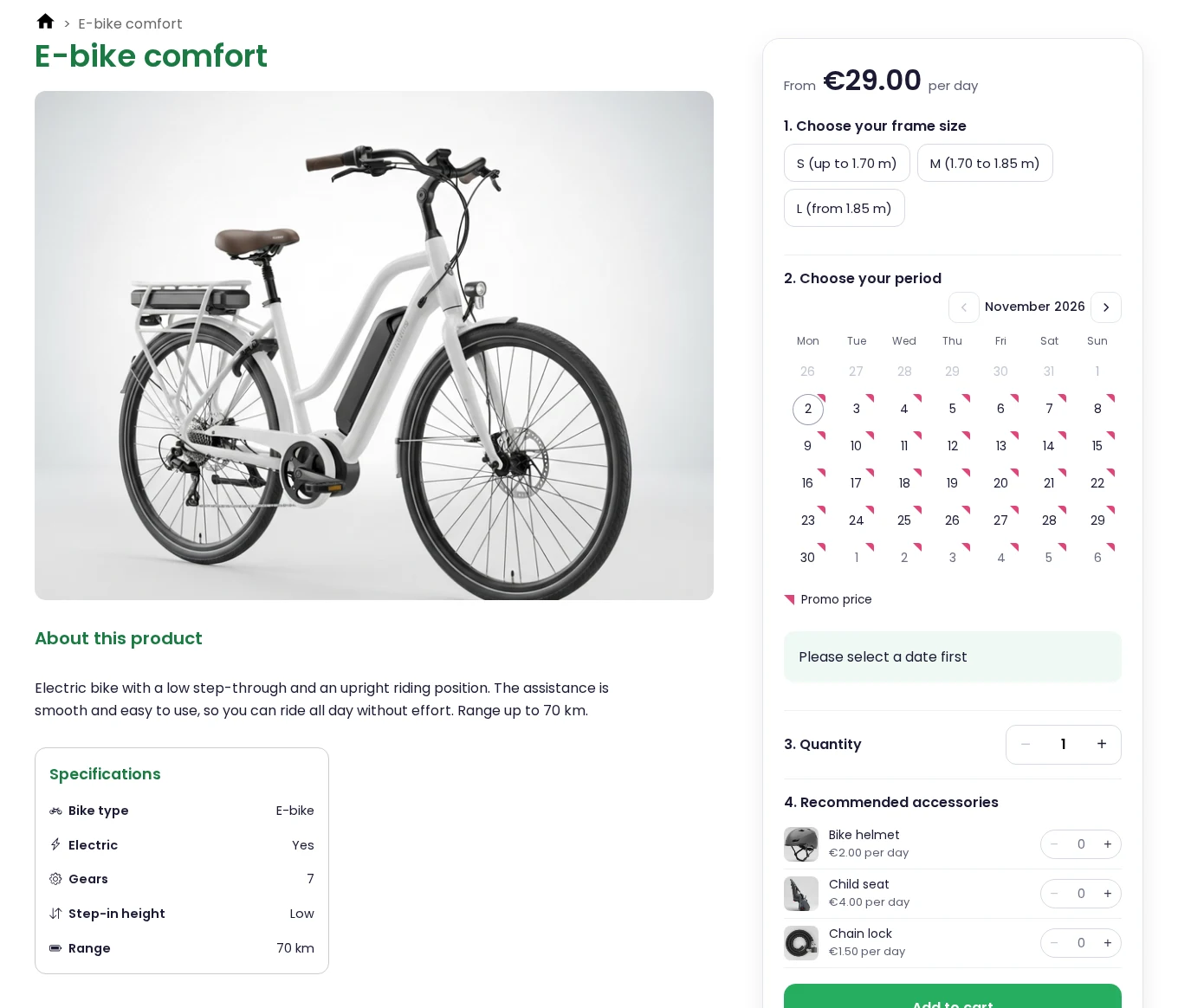
- Customers see them. The product page shows a Specifications block with icon, name and value, unit included, such as 70 km. A product without specifications shows no block.
Product specifications in the real world
A few examples of what rental businesses show:
| Rental type | Specifications | What the customer learns |
|---|---|---|
| Bike rental | Bike type, gears, step-in height, range (km) | Whether the bike suits their height and the trip |
| Tool rental | Power source, power (W) | Whether they need a socket or can work anywhere |
| AV rental | Resolution, brightness (lumen) | Whether the projector is bright enough for the room |
| Scaffolding rental | Working height (m) | Whether they can reach the gutter |
See it in action
The specifications of an e-bike in your shop, and the same specifications in your dashboard.
See them in a demo shop: an e-bike at PedalNL
Frequently Asked Questions
What is the difference between a specification and a variant?
A specification is information, such as range or weight. Customers read it but do not choose it. A variant, such as a frame size, is something customers pick before they book, with its own stock.
Can customers filter on specifications?
Yes. Switch on the product filter under Integrations and your specifications become filters on your category pages. Per specification you choose whether it appears as a filter.
Can I translate my specifications?
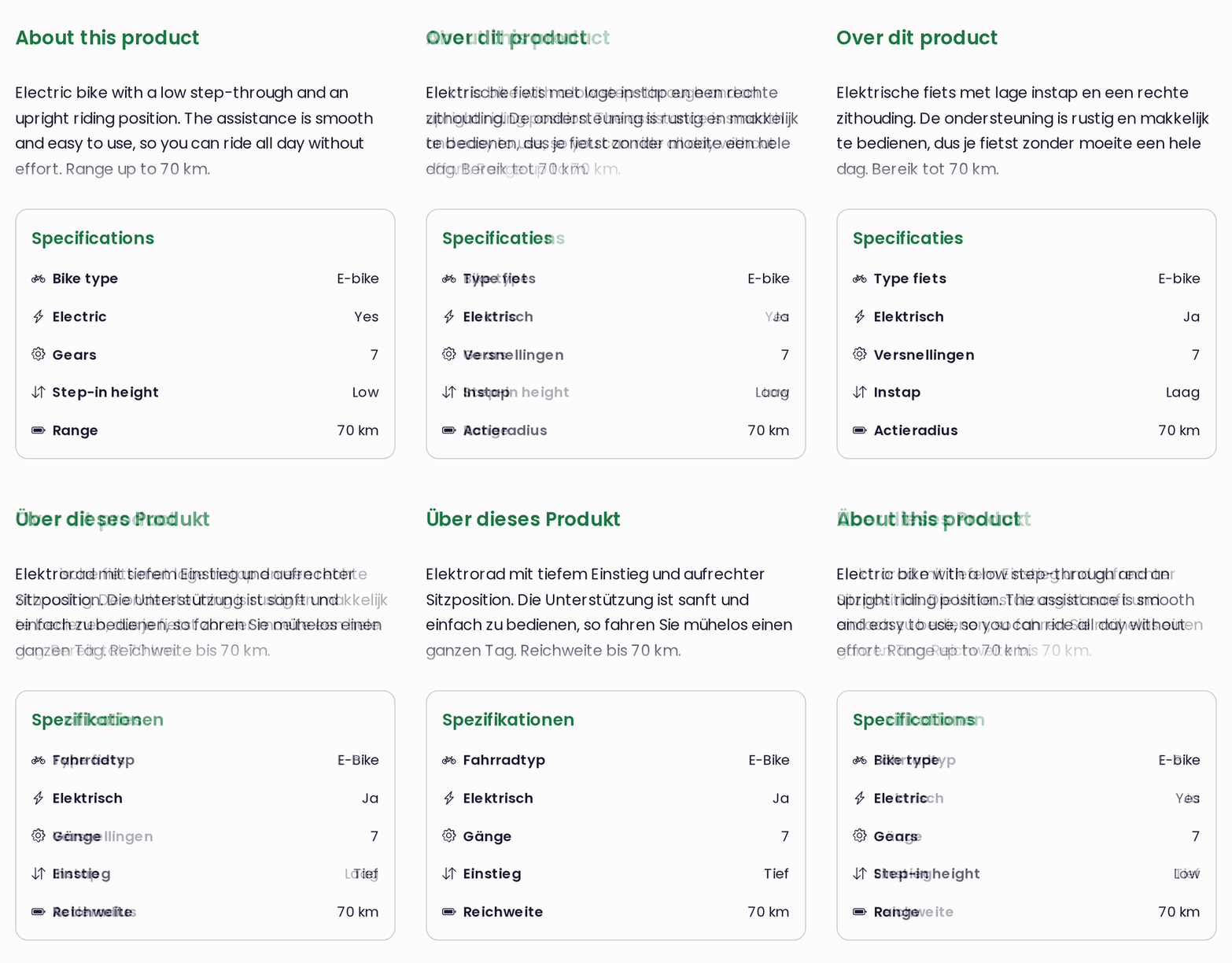
Yes, the names and units. If your shop has more than one language, you fill in the name and unit of each specification per language, see multilingual shop. The Specifications heading follows the language of the customer.
Do I need an icon and a unit?
No. Only the name is required. Without an icon the name stands alone, and without a unit customers see just the value.
Can I add specifications to many products at once?
Yes. Export your products, fill in the Specs column as Name:value;Name:value and import the file again. Your existing products are updated.