
Your terms, privacy policy and thank-you page, right where customers need them
In short
- Every shop has three pages: terms and conditions, a privacy policy and a thank-you page.
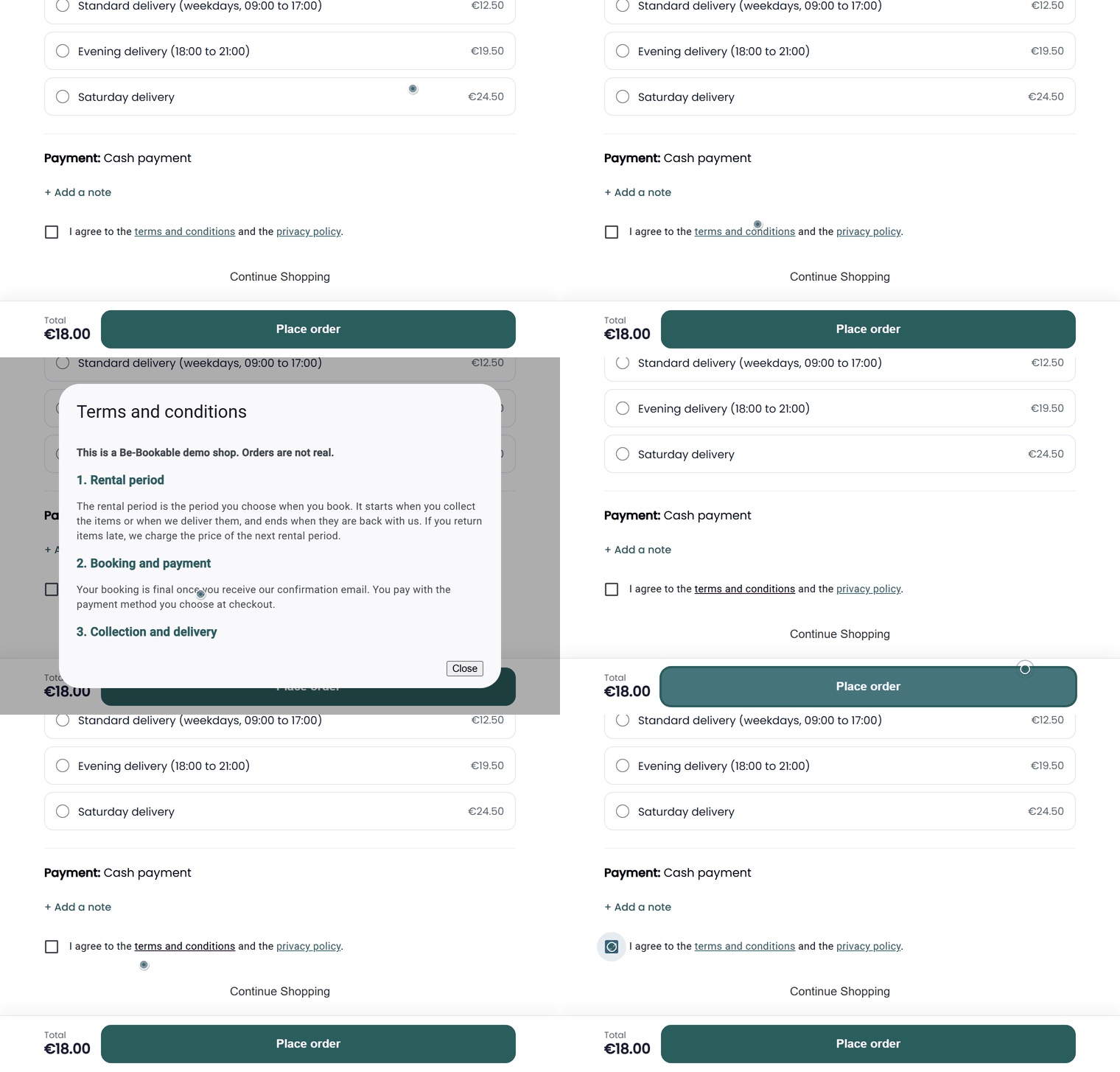
- Customers agree to your terms at checkout and can read them in a pop-up.
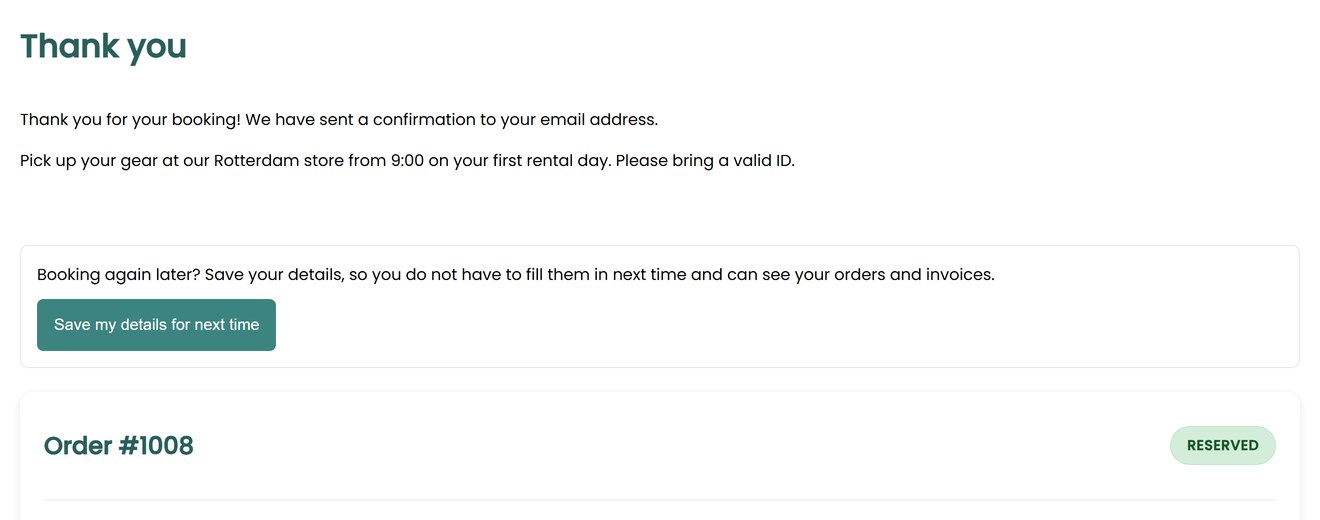
- Your thank-you text appears above the order overview after every booking.
Why customer pages matter
Customers book with more confidence when the rules are clear before they pay.
Clear rules up front
Cancellation, damage and late-return rules are one click away during checkout.
Agreement before booking
Customers can only place an order after ticking that they agree to your terms and privacy policy.
A useful thank-you
Tell customers what happens next, such as pickup times or what to bring.
How Be-Bookable solves it
- Open Texts and emails. In your dashboard, go to Texts and emails. On the Pages tab you find the terms and conditions, the privacy policy and the thank-you page.
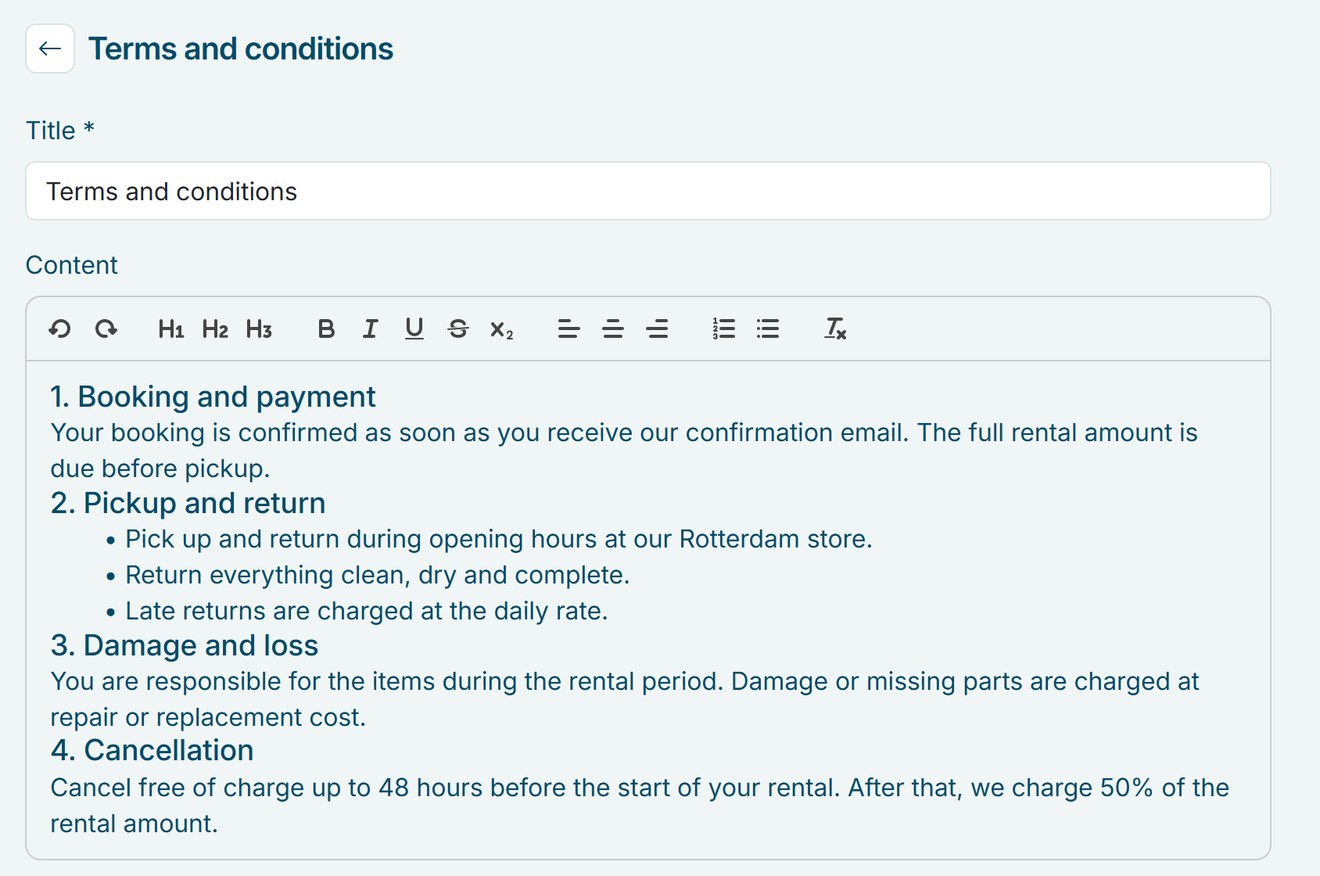
- Write your text. Click a page to change its title and text. The editor has headings, bold, italic, underline, lists and alignment.
- Save. Your changes show in your shop as soon as you save.
- Customers see them while booking. At checkout, the terms and privacy policy open in a pop-up from the checkbox, and both are linked in the footer of your shop. After every order, the thank-you page shows your text with the order overview below it.
Customer pages in the real world
What rental businesses put on each page:
| Page | Where customers see it | What to put on it |
|---|---|---|
| Terms and conditions | At checkout and in the shop footer | Payment, damage, late returns and cancellation |
| Privacy policy | At checkout and in the shop footer | Which personal details you collect and how long you keep them |
| Thank you | Right after every order | Pickup times, what to bring and how to reach you |
See it in action
After booking, customers see your thank-you text above their order. You edit each page in a simple editor.
Frequently Asked Questions
Do I have to write my own terms and conditions?
Yes. A new shop starts with a short placeholder on each page. Replace it with your own terms, privacy policy and thank-you text before you start taking bookings.
Can I add more pages, such as an FAQ or return instructions?
Not as separate pages. Your shop has these three pages. Put return instructions in your terms or on the thank-you page, or send them with your customer emails.
Are my terms included in the order emails?
No. Customers agree to your terms at checkout, where they can read them in full. If you want to repeat a key rule, such as the return time, add it to your status emails.
Can customers agree to a rental agreement at checkout?
Yes. With the rental agreement on, the terms checkbox at checkout also links to your rental agreement, which customers can open before they book. After the order, they get the agreement as a PDF with the order confirmation. More on the rental agreement.
Can I have my pages in more than one language?
Yes. If your shop offers more than one language, each page has a tab per language: German, English, French or Dutch. Customers see the page in the language they shop in. If you leave a tab empty, they see the text of your main language. More on language settings.