
Send a quote from any order, in your own words
In short
- Prepare an order with the customer, dates and products, and send it as a quote by email.
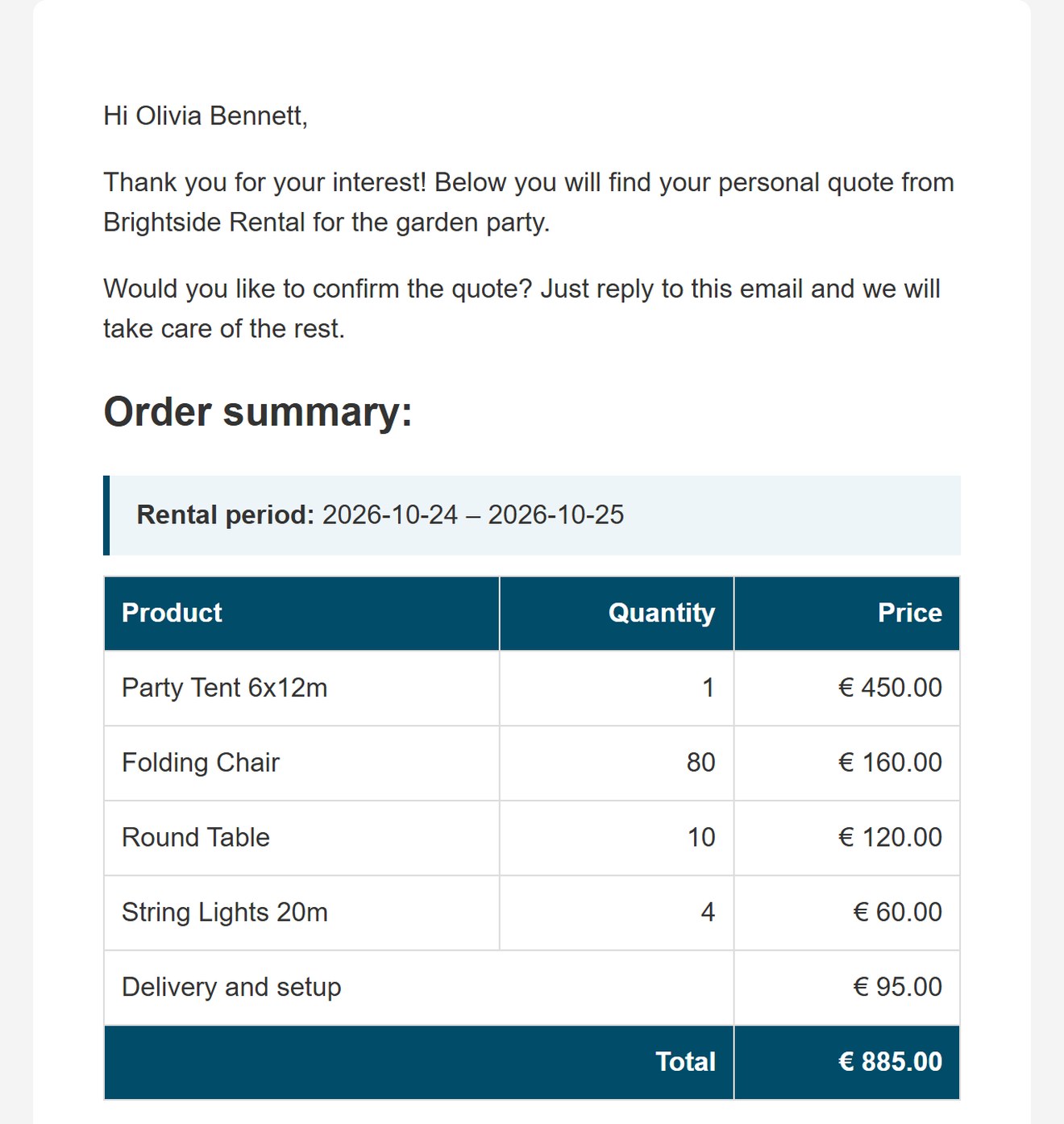
- Your own text, with the rental period, products, prices and total added below it.
- The customer accepts or declines with a button in the email, and the products are held for those dates.
Why quotes matter
Bigger events and business customers often want a price in writing before they book. A quick quote keeps the deal moving.
Fast
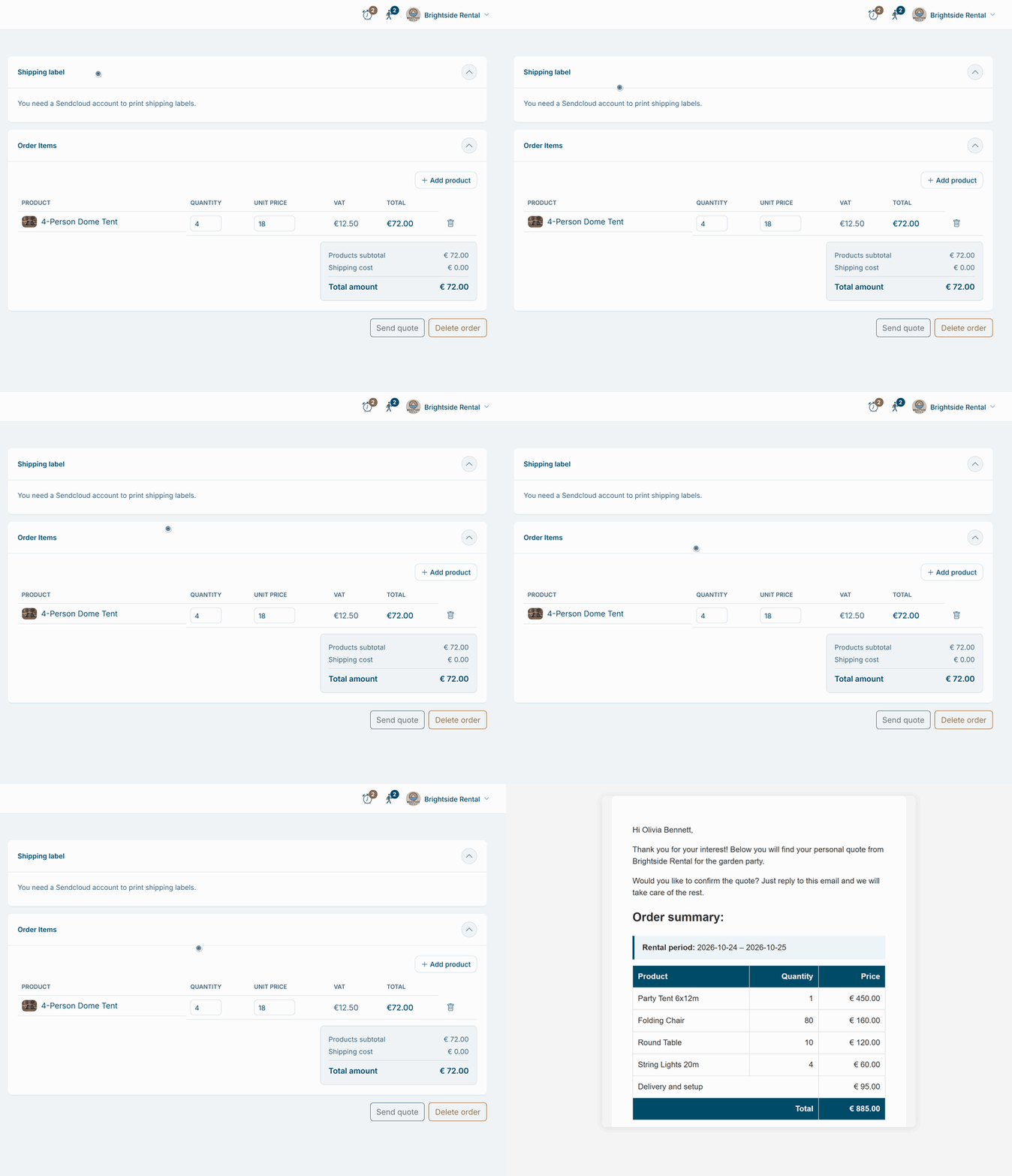
No separate document to make: the quote is built from the order you prepare.
Clear
The customer sees the rental period, every product, the prices and the total at a glance.
Personal
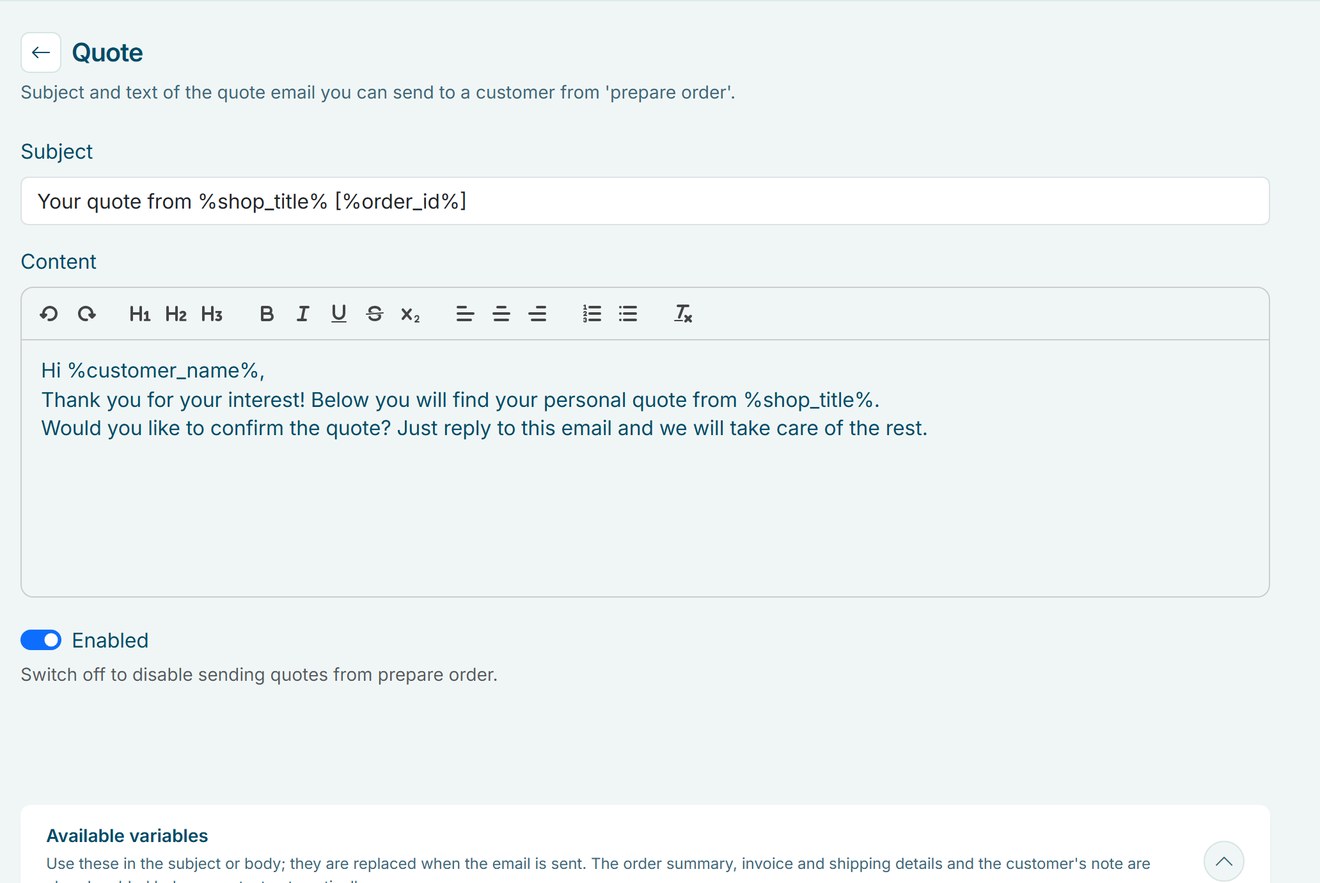
Your own subject and text, with the name of the customer filled in for you.
How Be-Bookable solves it
- Write your quote text. Under Texts and emails, open Quote and write the subject and text, just like your customer emails. Use variables such as
%customer_name%and%order_id%. - Prepare the order. Click New order, choose or add the customer, pick the dates and products and adjust the prices if needed.
- Send the quote. Click Send quote. Be-Bookable saves the order and emails the quote to the customer, with a button to accept and a button to decline.
- Change and resend. Adjust the order and send the quote again as often as needed, until it is paid. When the customer accepts, they check the order in your shop, agree to your terms and complete it with the payment options you offer. You get an email when the customer accepts or declines.
- Or start from a request. With booking requests on, customers send a request from your shop instead of paying right away. You adjust the order if needed and send it as a quote.
Quotes in the real world
A few situations where rental businesses send a quote:
| Rental type | Customer | What the quote contains |
|---|---|---|
| Party rental | Wedding couple | Tent, tables, chairs and lighting for a weekend |
| Event equipment | Company event | Sound, stage and delivery with setup |
| Furniture rental | Trade fair stand | Furniture for three days plus transport |
| Bike rental | School trip | 30 bikes with helmets for one day |
| Tool rental | Contractor | Machines for two weeks at an agreed price |
Frequently Asked Questions
Can customers accept a quote online?
Yes. The quote email has a button to accept and one to decline. After accepting, the customer checks the order in your shop, agrees to your terms and completes it with the payment options you offer. Declining cancels the order, so the products are free again. You get an email either way.
Does the quote come as a PDF?
No. The quote is the email itself, with your text and the full order summary. It shows the total, without a separate VAT line.
Are the products held while the quote is open?
Yes. The order is saved when you send the quote, so the products are held for those dates. If the customer declines, the order is cancelled and the products are free again.
Can I send a quote for an order that is already paid?
No. Once an order is paid, the Send quote button is switched off.
Can a rental agreement go with the order?
Yes. With the rental agreement on, every order gets a PDF with your contract terms, the details of the customer, the products, the period and the amount. The customer agrees at checkout and gets the PDF with the order confirmation, next to the invoice. More on the rental agreement.
Can I send a quote in another language?
Yes. If your shop offers more than one language, your quote text has a tab per language, and the customer gets the quote in the language of the order. You can change the language on the order before you send the quote. A tab you leave empty uses the text of your main language. More on language settings.